dell cyber detect

INTEGRATED APPROACH

Clean Data Across Every Layer of Recovery

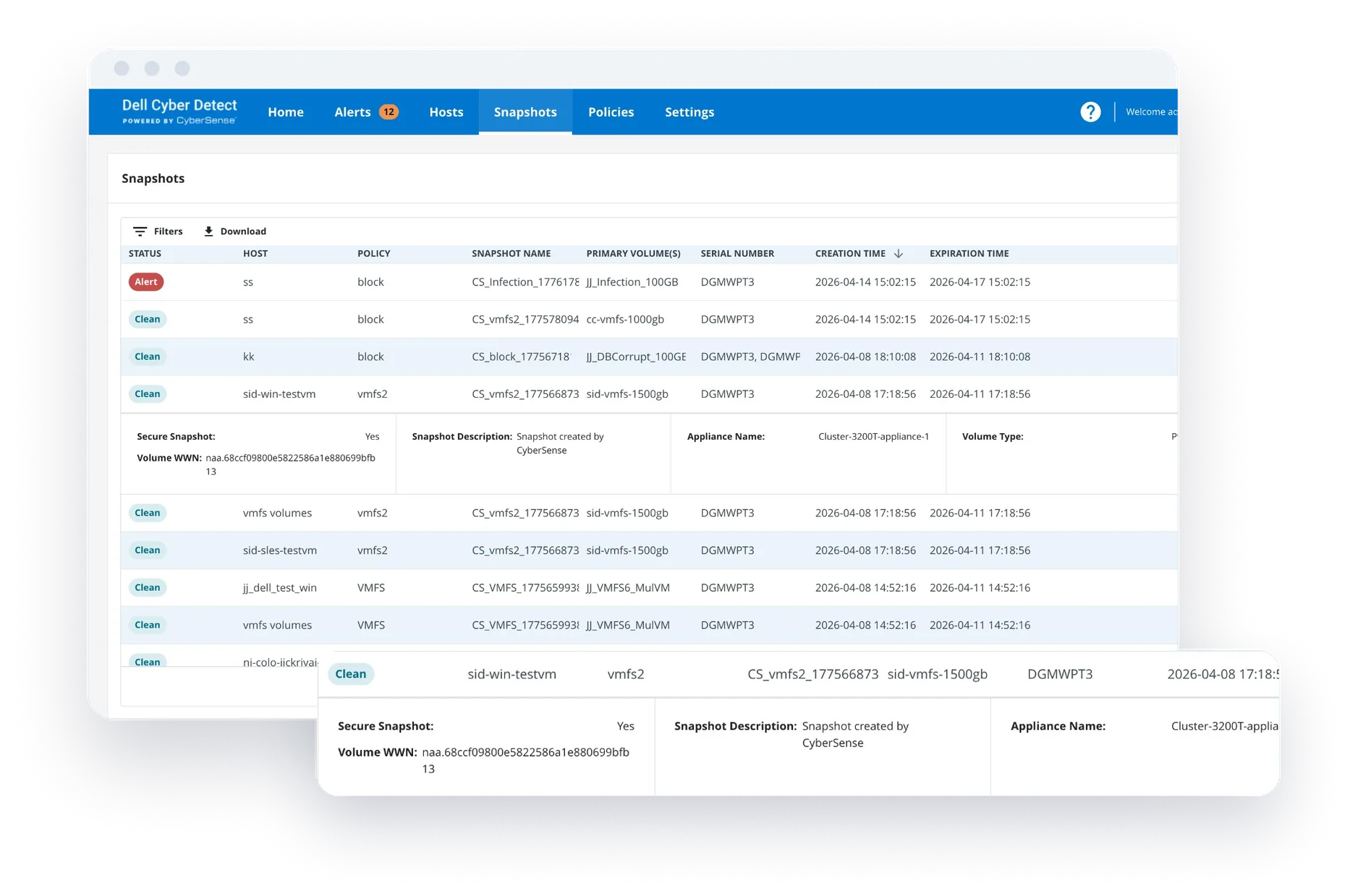
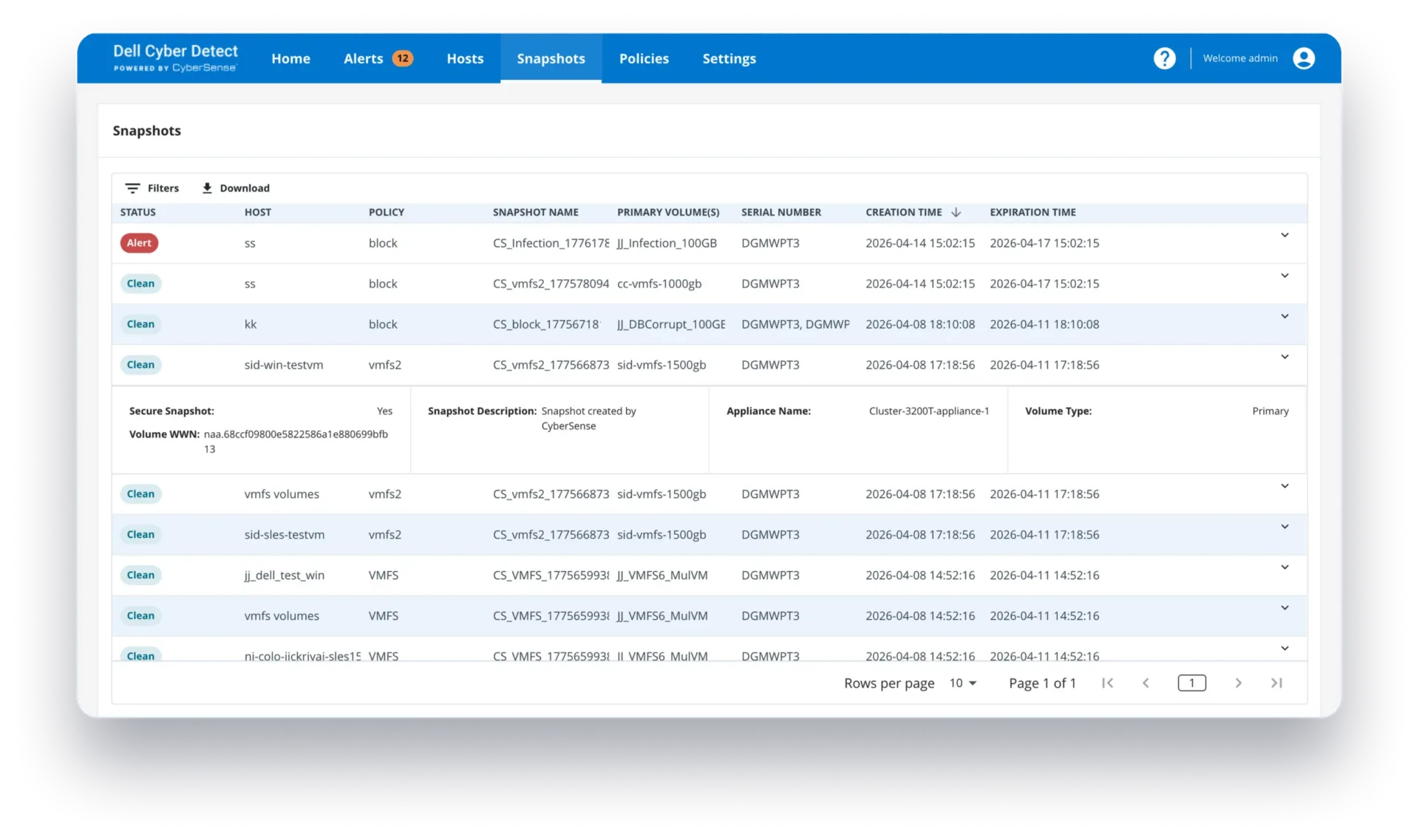
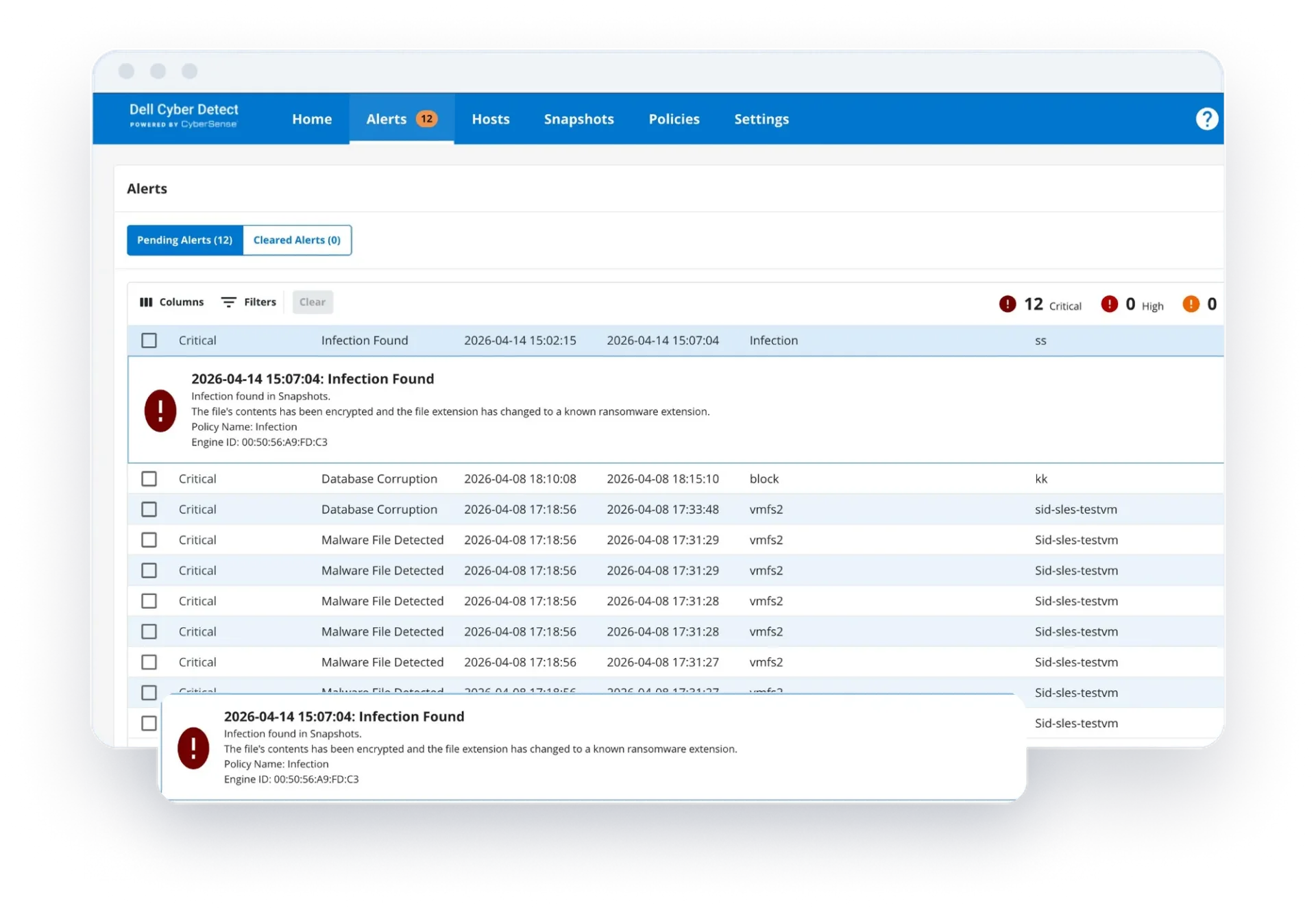
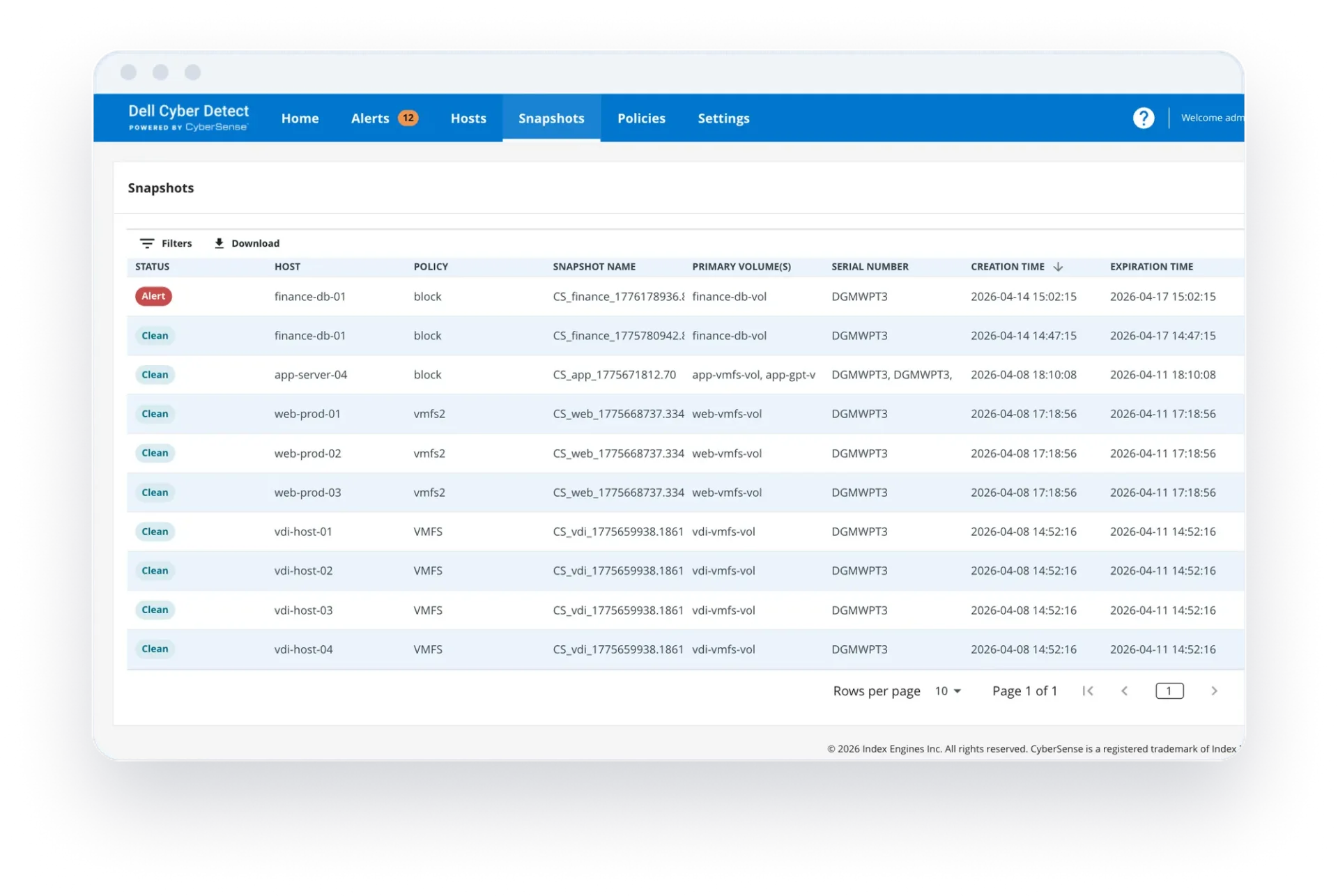
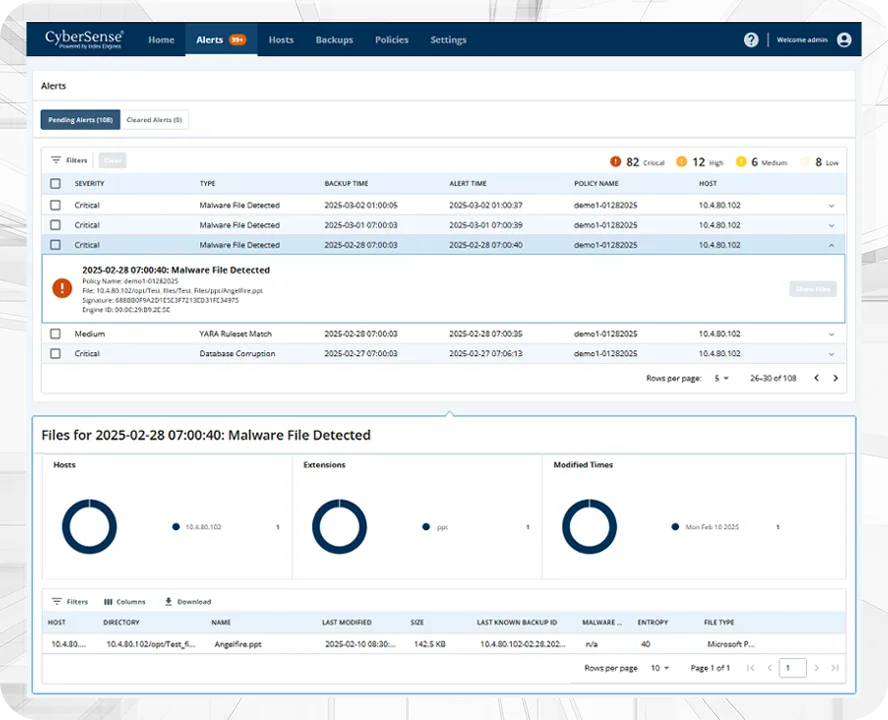
Dell Cyber Detect uses purpose-built AI to analyze data integrity at the content level across PowerStore snapshots and PowerProtect vaulted backups. Deploy Cyber Detect in either environment or across both, so teams can identify clean data whether they recover from a recent snapshot or an isolated backup.
dell cyber detect
dell cyber detect
dell cyber detect
dell cyber detect
dell cyber detect

CYBERSENSE BY THE NUMBERS

99.99%

Detection accuracy, backed by a contractual SLA

8+ EB

Data scanned daily by CyberSense

1,600+

Cyber Recovery vault deployments

7,500+

Ransomware variants detonated in the Research Lab

200+

Content-based statistics analyzed per scan

1. Prioritize your recovery data

Identify the systems and data where integrity validation matters most.

2. Choose your coverage

Deploy Cyber Detect with PowerStore, PowerProtect, or both.

3. Talk with an expert

Plan the right configuration and deployment for your Dell environment.

Webinar

Dell Cyber Detect Powered by CyberSense

This field is for validation purposes and should be left unchanged.

Frequently Asked Questions About Dell Cyber Detect

What is Dell Cyber Detect?

Dell Cyber Detect, powered by CyberSense from Index Engines, validates data integrity to detect ransomware-induced corruption and identify clean recovery points. Rather than simply flagging suspicious activity, it analyzes the actual content of files, databases, and virtual machines to determine whether data has been compromised. Organizations can use verified recovery points to restore operations with confidence after a cyberattack.

How does Dell Cyber Detect work?

Dell Cyber Detect performs content-level analysis of data stored in snapshots and backups. It examines the actual bytes within files, databases, and virtual machines to identify corruption caused by ransomware. By validating recovery points on a scheduled basis, it helps organizations know exactly which copies of data are safe to restore before an incident occurs.

What is data integrity validation?

Data integrity validation is the process of verifying that data remains complete, accurate, and uncorrupted. Dell Cyber Detect validates the integrity of data by examining the actual contents of files, databases, and virtual machines to determine whether ransomware-induced corruption has occurred.

Why is data integrity validation important for ransomware recovery?

During a ransomware incident, organizations often struggle to determine which backups or snapshots are clean. Without validation, teams may spend days or weeks testing recovery points. Data integrity validation helps eliminate guesswork by identifying trusted recovery points before a restoration begins

What storage platforms are supported by Dell Cyber Detect?

Dell Cyber Detect supports both primary storage and backup environments, including: • Dell PowerStore array snapshots • Dell PowerMax array snapshots • Dell PowerProtect Cyber Recovery Vault backup images This provides organizations with data integrity validation across multiple layers of infrastructure.

How does Dell Cyber Detect help reduce recovery time?

Cyber Detect validates snapshots and backups on a scheduled basis so clean recovery points are identified before an incident occurs. Rather than manually testing multiple copies of data, organizations can immediately restore from verified recovery points, helping reduce recovery timelines from weeks to hours.

Why should organizations validate primary storage snapshots?

Primary storage snapshots are typically much newer than backup copies. By validating snapshots directly on storage arrays, organizations can restore from recovery points that are only hours old rather than a day or more old, reducing both downtime and data loss.

What types of corruption can Dell Cyber Detect identify?

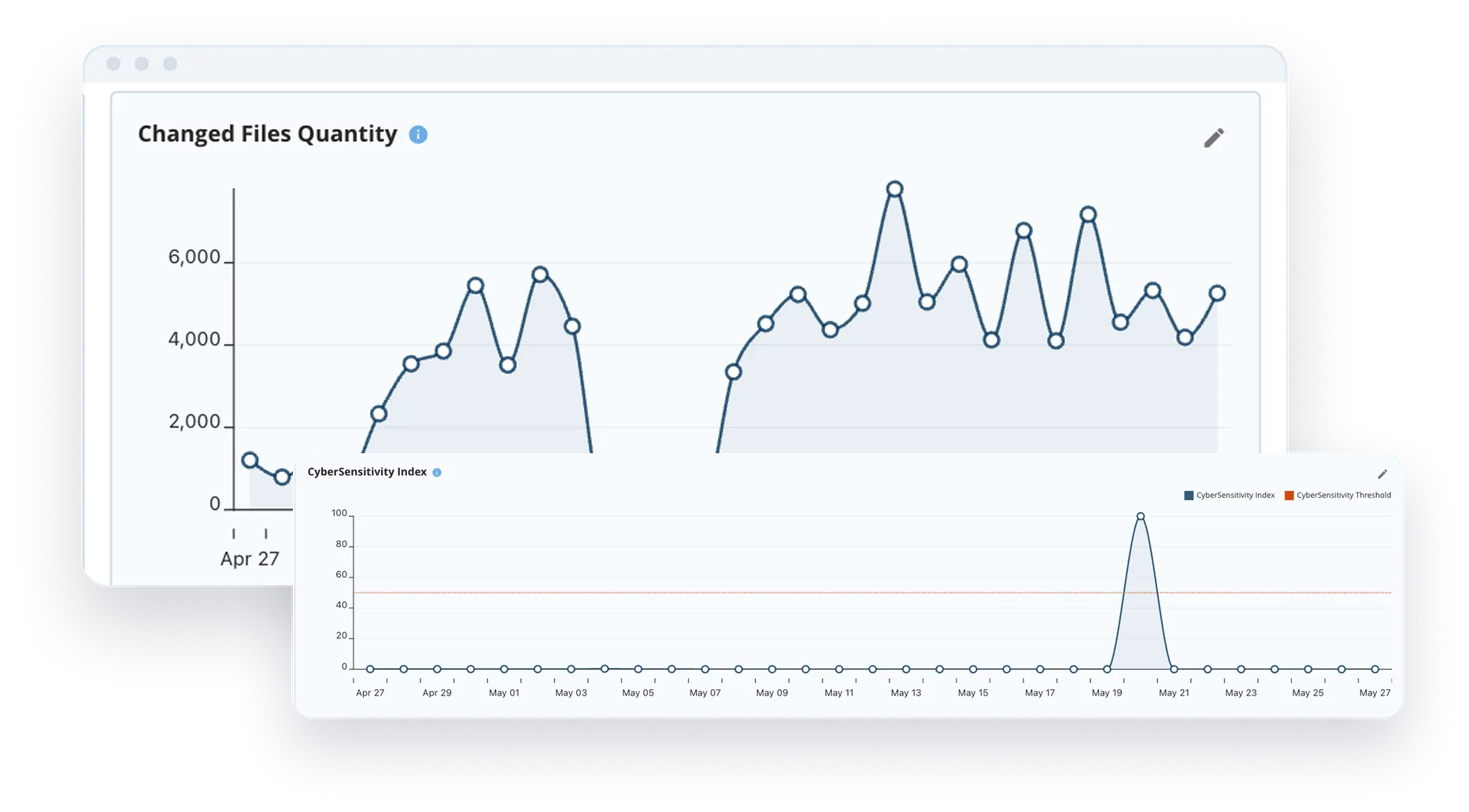
Dell Cyber Detect can identify: Partial encryption, Shadow encryption, Byte substitution attacks, Database page corruption, Metadata manipulation, Directory structure corruption, Virtual machine corruption. These attack techniques are often missed by simpler monitoring tools.

How is Dell Cyber Detect different from built-in ransomware detection on PowerStore?

Built-in ransomware detection capabilities primarily monitor access patterns and storage activity to identify suspicious behavior. Dell Cyber Detect complements these tools by analyzing the actual content of data to determine what has been corrupted and which recovery points remain clean.

Can Dell Cyber Detect work alongside Dell PowerProtect Cyber Recovery?

Yes. Dell Cyber Detect supports both primary storage and Cyber Recovery Vault environments. Primary storage validation helps speed recovery from routine incidents, while Cyber Recovery Vault validation provides a trusted recovery option for worst-case scenarios. Together, they create a layered cyber resilience strategy.

What business benefits does Dell Cyber Detect provide?

Organizations use Dell Cyber Detect to: Reduce ransomware recovery times, Minimize downtime and business disruption, Improve confidence in recovery decisions, Reduce compliance risk, Support incident response investigations, and Lower potential revenue loss associated with prolonged outages.

Does Dell Cyber Detect provide forensic insights?

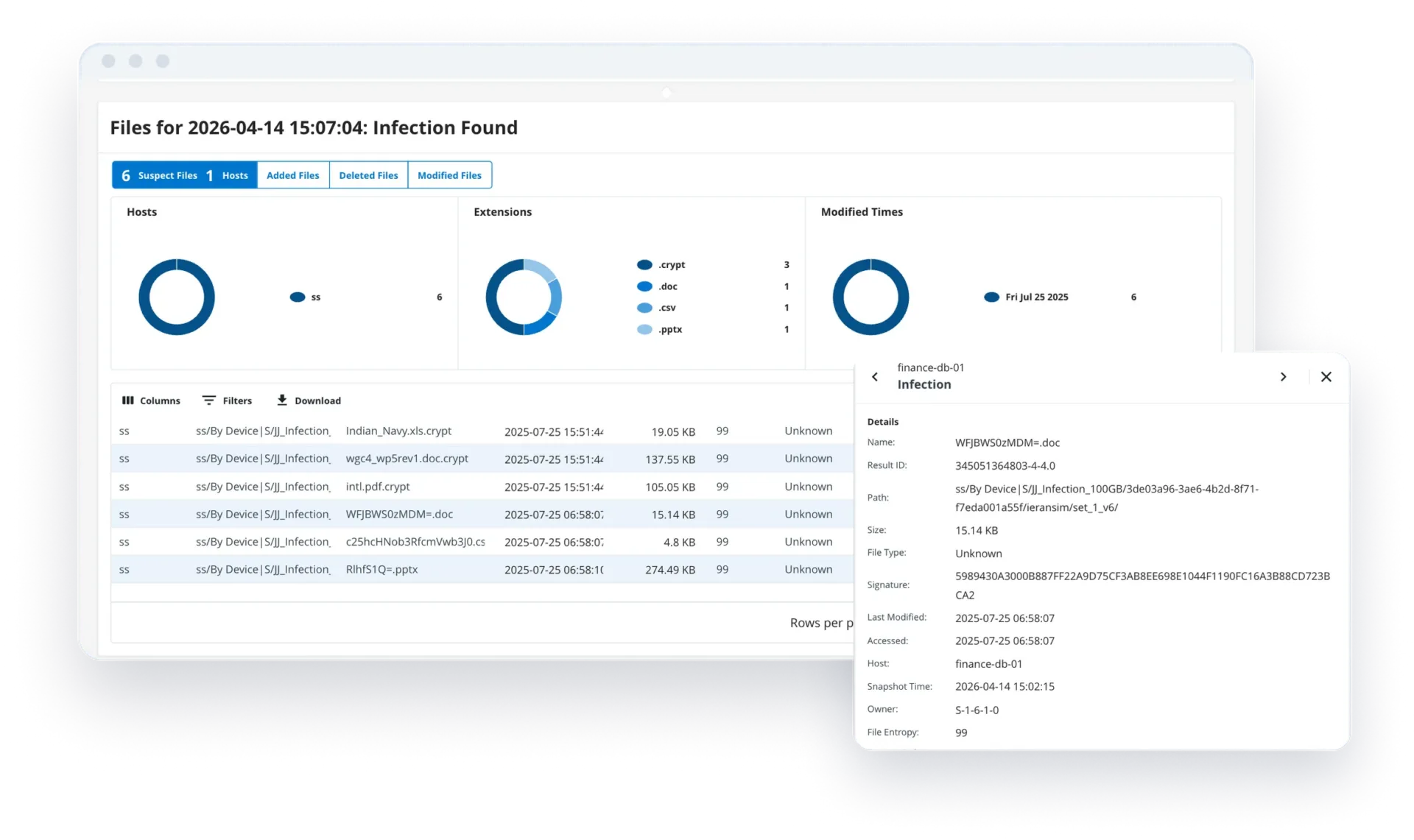
Yes. Dell Cyber Detect can provide forensic intelligence that helps organizations understand what data was affected, when corruption occurred, the likely attack timeline, and which systems were impacted.
bottom
CyberSense Video
↑