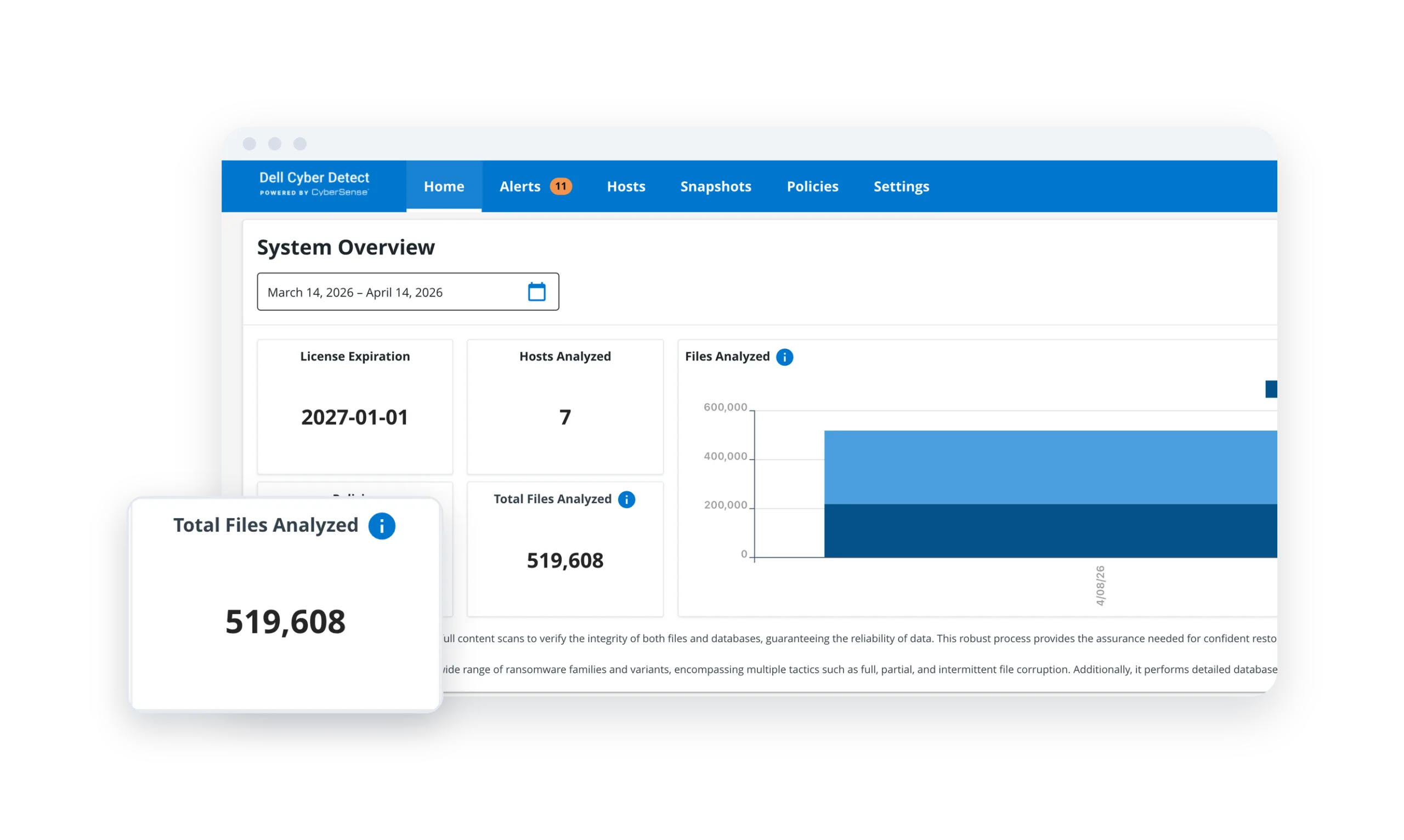
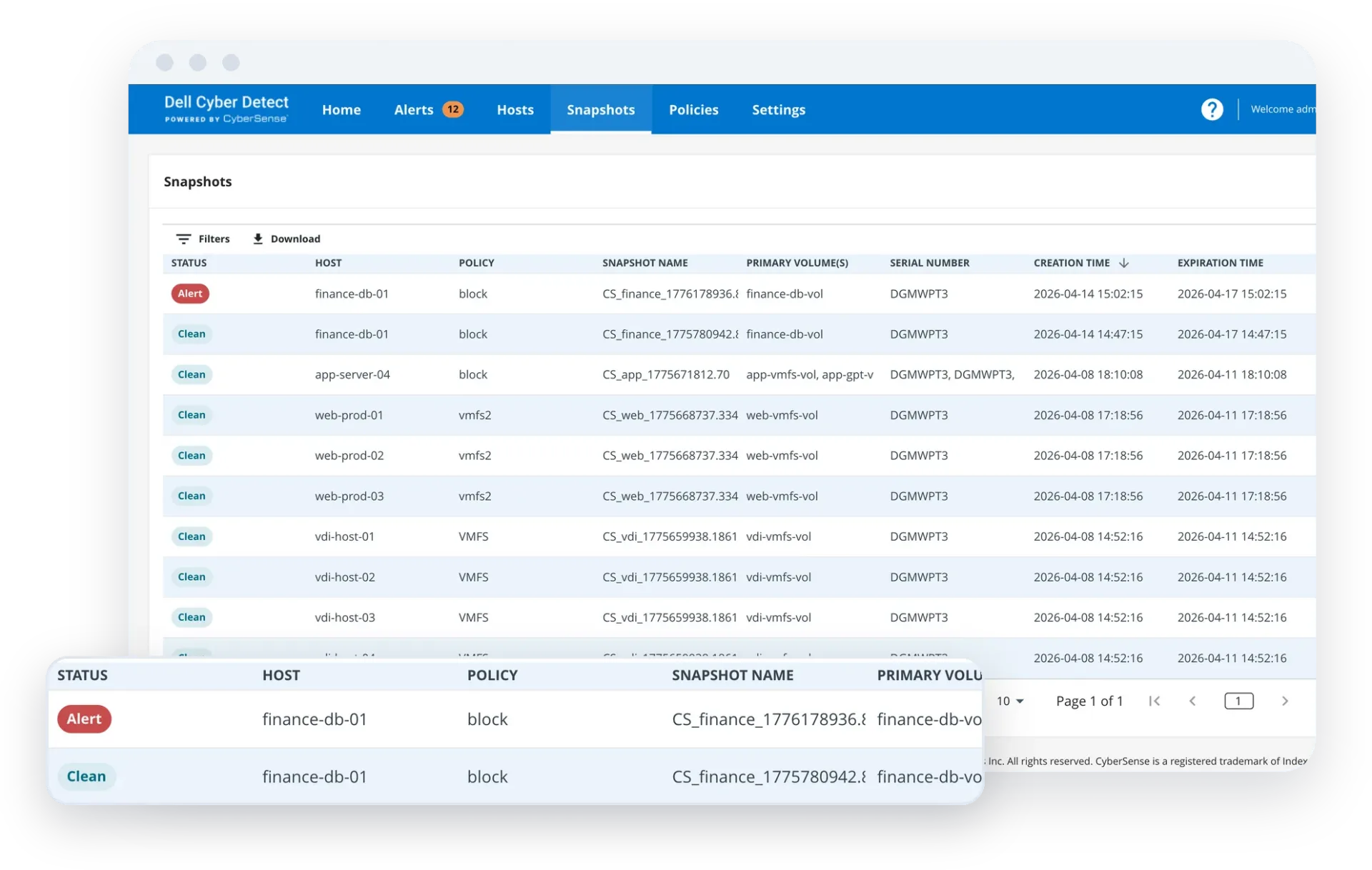
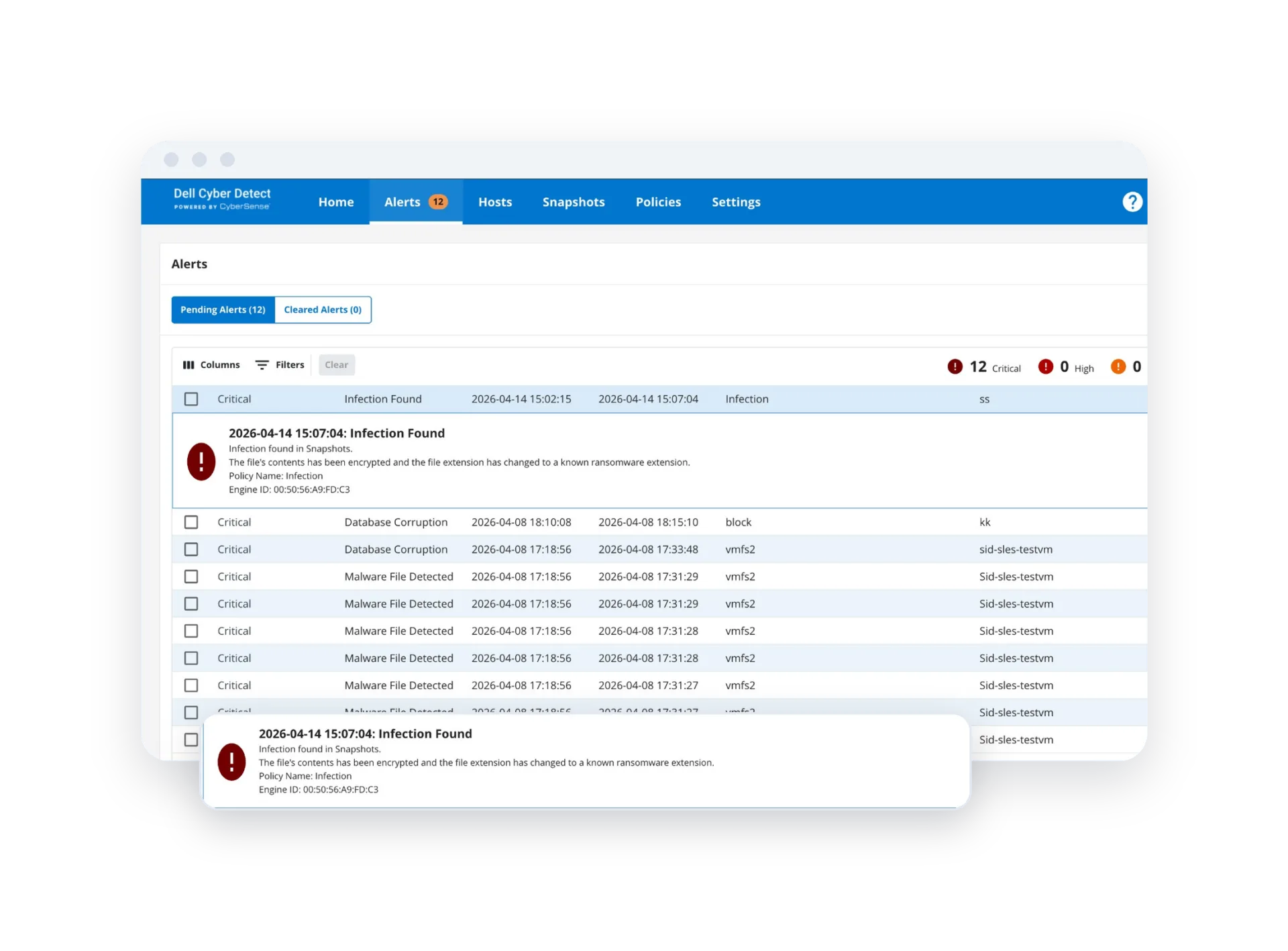
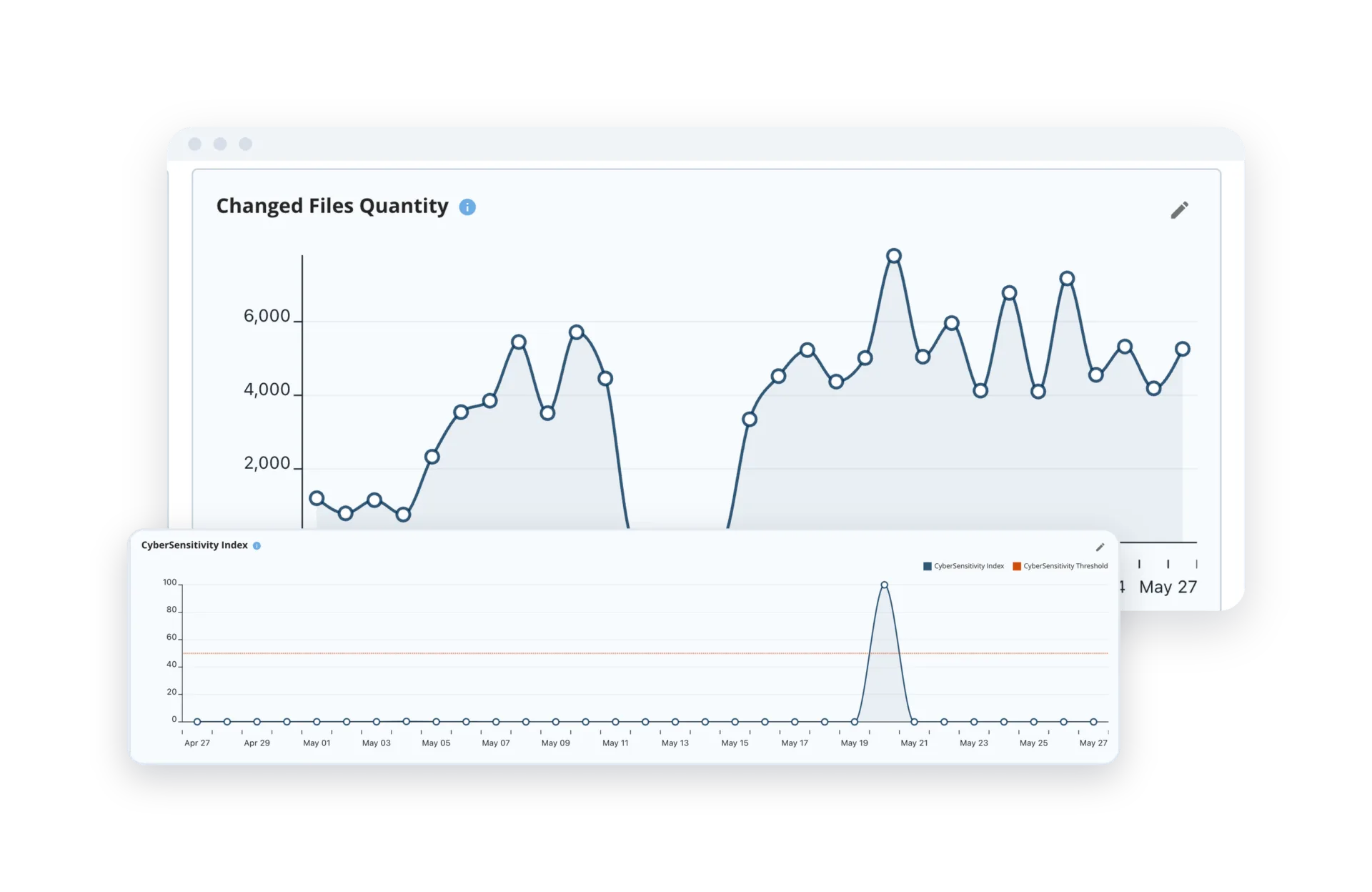
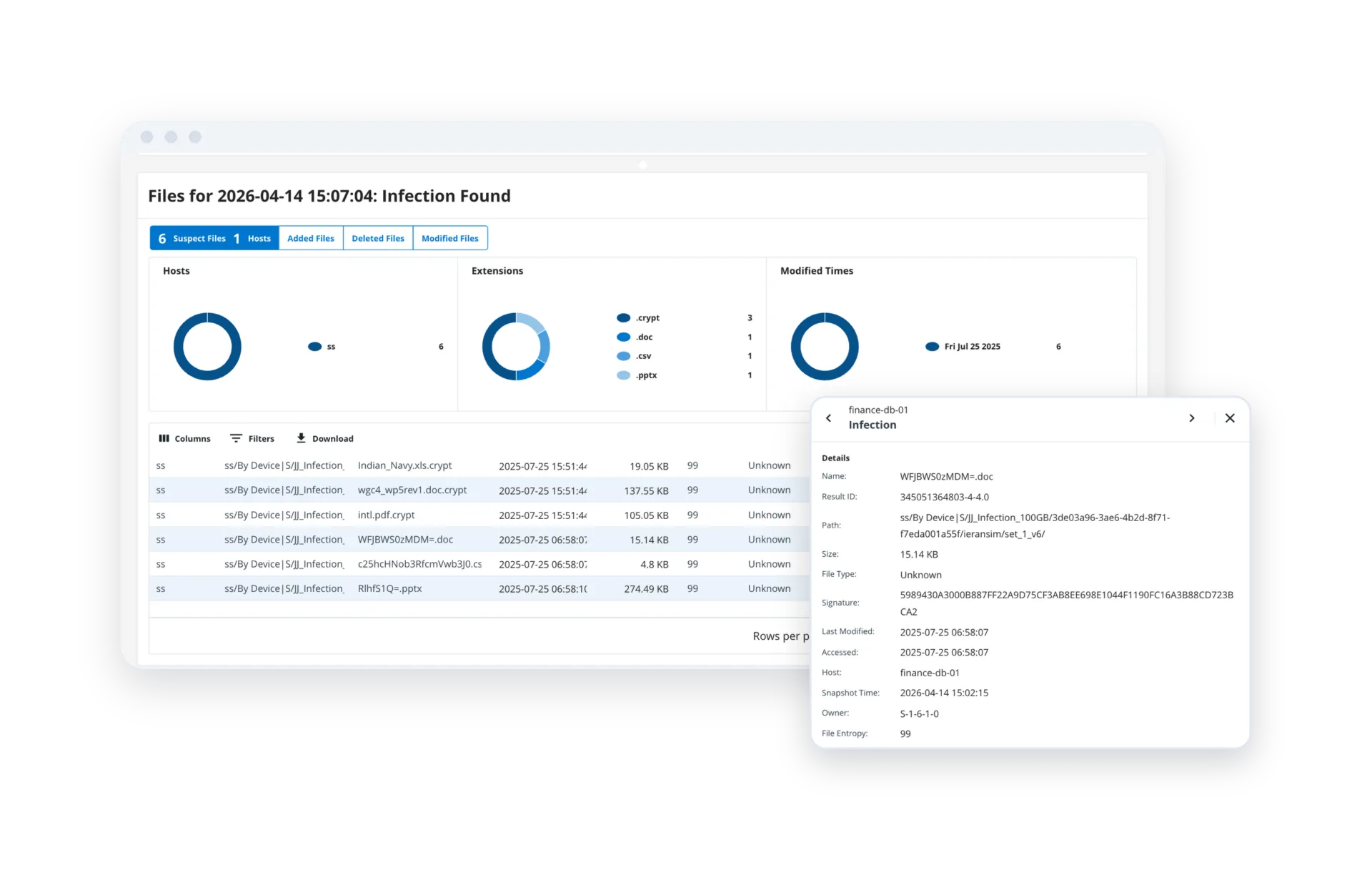
Cyber Detect for Storage validates snapshots of your primary storage data, starting with PowerStore. Cyber Detect for PowerProtect validates vaulted backups inside PowerProtect Cyber Recovery. Each stands on its own — and Dell is the only vendor to offer CyberSense-powered data integrity validation across both primary storage and backups.
"We need to have the security that our data is clean and protected. We can sleep a little bit more safely because of CyberSense."
Rodrigo Suarez, IT Director, Drogaria Araujo"We can look at multiple iterations of our data and, through CyberSense, feel confident that we’ve captured our critical data in a state that wasn’t affected, and feel comfortable bringing it back to life."
Bob Bender, CTO, Founders Federal Credit UnionAccuracy in ransomware corruption detection
Content-based statistics analyzed per scan
Detonated and analyzed in CyberSense Research Lab
Dell Cyber Detect is available through Dell sellers and approved partners. Index Engines supports evaluation, scoping, and technical validation — so procurement is clear from the first conversation.
Confirm whether the priority is PowerStore snapshots, PowerProtect Cyber Recovery, or both.

